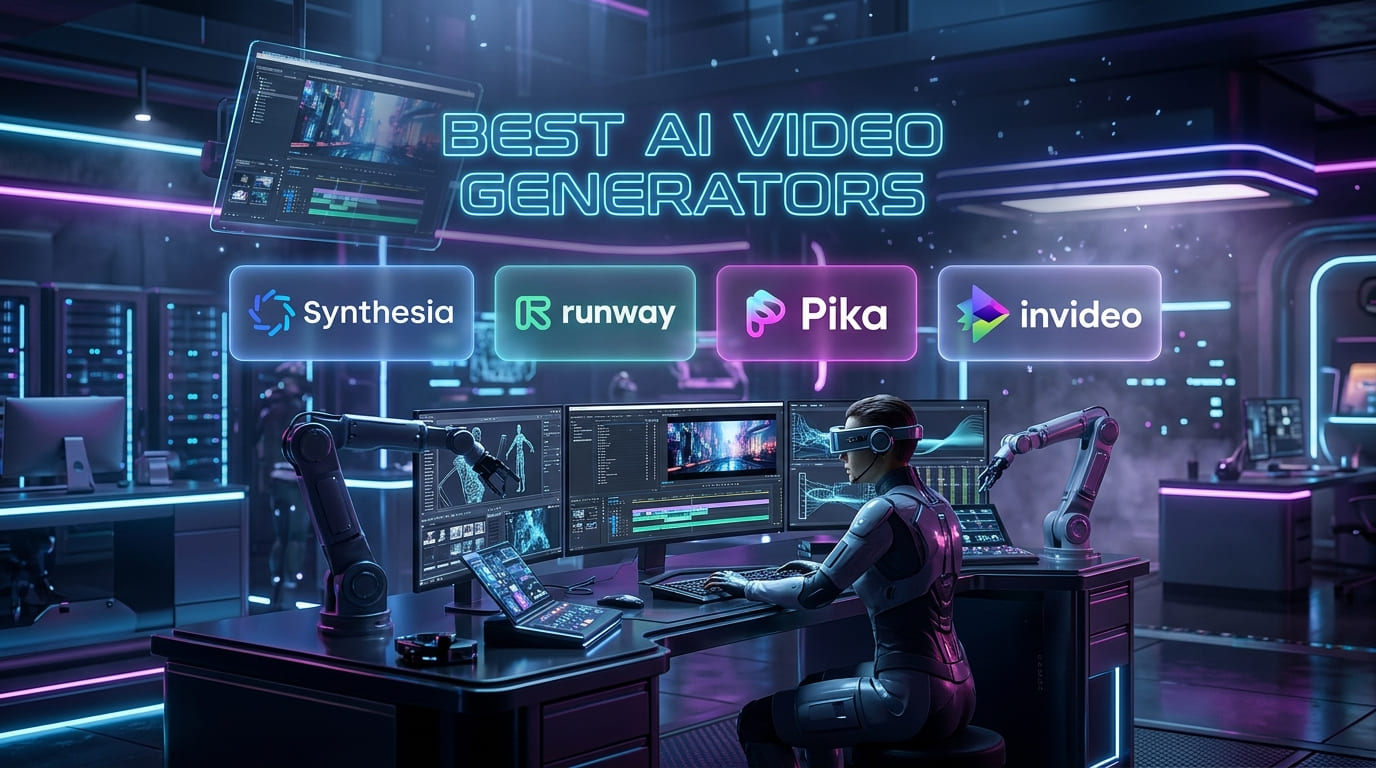
Best AI Video Generators in 2026: Free & Paid Tools That Actually Work
If you’ve been searching for the best AI video generators in 2026, you’re not alone. Video content has completely taken over the internet, from YouTube and TikTok to LinkedIn and Instagram Reels. The good news? You no longer need a camera, a film crew, or years of editing experience to create professional-looking videos.
Today, AI video tools can turn a simple text prompt into a polished, cinematic clip in under two minutes. I’ve personally tested most of these tools, and in this guide, I’m sharing everything you need to know, including the free options that actually work. In this guide to the best AI video generators in 2026, you’ll discover tools that actually deliver real results, whether you’re looking for free options or premium platforms.
Let’s get into it.
What Are AI Video Generators and Why Do You Need One?
AI video generators are tools that use artificial intelligence to create videos from text prompts, images, or scripts, without any manual editing. You type what you want, and the AI builds the video for you.
Here’s why people are switching to them in 2026:
- No filming required: Create videos entirely from text or images
- Saves hours of editing time: What used to take days now takes minutes
- Anyone can use them: No technical skills or design background needed
- Perfect for content creators, marketers, and small business owners
- Many tools offer free plans: You can get started without spending a dime
The AI video generation market was valued at over $600 million in 2024 and is growing fast. By 2026, these tools will have gone from novelty experiments to serious production tools used by marketers, educators, YouTubers, and brands worldwide.
How I Tested These Tools
Before sharing this list of the best AI video generators in 2026, I ran the same set of prompts through each tool. I looked at:
- Video quality: how realistic and smooth does it look?
- Ease of use: Can a beginner figure it out quickly?
- Free plan value: what do you actually get for free?
- Pricing: Is the paid plan worth the money?
- Speed: How long does it take to generate a video?
- Best use case: Who is this tool actually built for?
Below is a curated list of the best AI video generators in 2026 based on real-world testing.
Now let’s look at the top picks.
Google Veo 3: Best Overall Free AI Video Generator in 2026
If I had to recommend just one tool from this list of the best AI video generators in 2026, it would be Google Veo 3. The quality is genuinely impressive, with natural motion, accurate physics, and cinematic output that beats most of the competition.
What makes it stand out:
- Produces the highest-quality free AI videos available right now
- Built-in audio generation, no other free tool offers this feature
- Understands complex prompts better than most competitors
- Great for cinematic storytelling and narrative-driven content
Pricing:
- Free tier available with limited credits
- Paid access through Google AI Pro plans
Best for: Creators who want the best possible video quality without paying upfront.
Kling AI 3.0: Best for Budget-Friendly High-Quality Videos
Kling AI 3.0 has quickly become one of the most reliable tools on this list. It’s made by Kuaishou (a Chinese tech company), and in 2026, it stands out for one big reason: it offers the best value for the price among AI video generators.
Why it’s worth your attention:
- Best-in-class motion physics, handles hair, liquid, and object interactions realistically
- Supports video clips up to 3 minutes long (most tools cap at 10–16 seconds)
- Generous free tier for testing before you commit
- Native 4K/60fps output on paid plans
Pricing:
- Free tier with limited daily generations
- Paid plans starting at around $6.99–$10/month
Best for: Creators on a budget who still want professional-looking results, especially for longer clips.

Runway Gen-4.5: Best for Creative Professionals
Runway is the tool that serious filmmakers and content creators turn to when they need full creative control. It’s not the cheapest option on this list, but it gives you something the others don’t: a complete creative studio, not just a clip generator.
Key features:
- Advanced editing tools, including scene expansion and motion brush
- 4K resolution export
- Strong image-to-video capability
- Industry-leading character consistency across multiple scenes
- Great UI that feels smooth and professional
Pricing:
- Free plan with 125 credits (no credit card required)
- Standard plan at $12/month (annual billing)
- Pro plan at $28/month for higher-volume professional use
Best for: Filmmakers, creative agencies, and YouTubers who need editorial control over their videos, not just one-click generation.
OpenAI Sora 2: Best for Cinematic Storytelling
Sora 2 is OpenAI’s flagship video model, and it’s still one of the best AI video generators in 2026 for creating narrative-driven, multi-scene content. The physics simulation is best in class, and it handles complex, story-based prompts better than almost anything else out there.
What it does well:
- Best physics simulation of any AI video tool currently available
- Excellent at multi-scene narrative flow
- High visual fidelity, output looks genuinely cinematic
- Integrates with ChatGPT for easy prompt building
What to know:
- No longer has a free tier (removed in January 2026)
- Requires a ChatGPT Plus subscription at $20/month
- Geographic restrictions: currently, the US and Canada only
Pricing:
- ChatGPT Plus: $20/month (includes Sora 2 access with credit limits)
- ChatGPT Pro: $200/month (high-volume access)
Best for: Writers and storytellers who want cinematic, narrative-style videos and don’t mind paying for premium quality.
HeyGen: Best AI Video Generator for Business and Marketing
HeyGen operates in a different category from the tools above. Instead of generating cinematic B-roll footage, it creates AI avatar videos, realistic digital humans that read your script out loud. It’s perfect for explainer videos, product demos, and training content.
Why businesses love it:
- Realistic AI avatars that look natural on screen
- Supports over 40 languages with natural lip sync
- Video translation feature, upload a video in English, get it in Spanish, French, or any major language
- Great for marketing teams that need volume without video production costs
Pricing:
- Free plan available for testing
- Creator plan at $29/month
- Business plan at $89/month for teams and agencies
Best for: Marketers, coaches, educators, and small businesses that want polished talking-head videos without hiring a presenter or going on camera themselves.
Synthesia: Best for Corporate Training Videos
If HeyGen is built for marketers, Synthesia is built for corporate teams. It’s the most mature platform for learning and development (L&D) content, think employee onboarding, product training, internal communication, and compliance videos.
What sets it apart:
- Huge template library, the easiest way to get started quickly
- Supports videos up to 4 hours long (no other tool comes close for long-form)
- Trusted by enterprise teams at major global companies
- Simple interface, no video production experience needed
Pricing:
- Free plan available (limited videos per month)
- Starter plan at $29/month
- Enterprise plans with custom pricing
Best for: HR teams, L&D professionals, and companies that need consistent, scalable training video content.
Pika Labs: Best Free AI Video Generator for Social Media
If you’re creating content for TikTok, Instagram Reels, or YouTube Shorts, Pika Labs is one of the best tools to have in your stack. It’s fast, fun to use, and offers one of the most generous free plans among AI video generators in 2026.
Why creators like it:
- Generate multiple videos daily on the free plan without paying
- Fast generation speed results in under 2 minutes
- Creative effects and stylized outputs work great for social content
- Simple interface that beginners can pick up in minutes
Pricing:
- Generous free plan (no credit card required)
- Basic plan at $8/month for more generations
- Pro plan at $28/month for high-volume creators
Best for: Social media creators, TikTok users, and anyone who needs quick, eye-catching content without a big budget.
Luma Dream Machine: Best for Environmental and Atmospheric Video
Luma Dream Machine doesn’t try to do everything; it focuses on doing one thing really well. If your content needs beautiful atmospheric visuals, fluid effects, landscapes, or environmental footage, Luma is your best option.
Where it shines:
- Stunning visuals for nature, fluid, and atmospheric scenes
- Fast generation speed compared to competitors
- Great for B-roll footage used in YouTube videos and ads
- Clean, easy-to-use interface
Pricing:
- Free plan with limited monthly generations
- Paid plans starting at $7.99/month
Best for: YouTubers and filmmakers who need beautiful background footage or B-roll, especially for travel, nature, and lifestyle content.
Quick Comparison: Best AI Video Generators in 2026
Here’s a quick comparison of the best AI video generators in 2026 to help you choose faster.
| Tool | Best For | Free Plan | Starting Price |
| Google Veo 3 | Overall quality | Yes | Free (limited credits) |
| Kling AI 3.0 | Budget quality + long clips | Yes | $6.99/month |
| Runway Gen-4.5 | Creative professionals | Yes (125 credits) | $12/month |
| Sora 2 | Cinematic storytelling | No | $20/month (ChatGPT Plus) |
| HeyGen | Business & avatar videos | Yes | $29/month |
| Synthesia | Corporate training | Yes | $29/month |
| Pika Labs | Social media content | Yes (generous) | $8/month |
| Luma Dream Machine | Atmospheric & B-roll | Yes | $7.99/month |
How to Choose the Right AI Video Generator for You
With so many good options, picking the right tool comes down to what you actually need. Here’s a simple way to think about it:
If you want the best free option:
Go with Google Veo 3 for quality, or Pika Labs for volume
If you’re a content creator or YouTuber:
- Kling AI 3.0 for long clips on a budget, or Runway Gen-4.5 if you want full creative control
If you run a business or create marketing content:
- HeyGen for spokesperson videos, or Synthesia for training content
If you’re a filmmaker or storyteller:
- Sora 2 or Runway Gen-4.5 both give you cinematic quality and narrative flow
If you make social media content:
- Pika Labs: fast, free, and made for short-form platforms
Final Thoughts
The best AI video generators in 2026 have genuinely changed what’s possible for individual creators and small teams. A year ago, making a polished video required equipment, software, and skill. Today, a solid text prompt and a free account are often all you need. Many free AI video generator tools now allow you to generate videos with AI in minutes without editing skills.
My top pick for most people is Google Veo 3; it delivers the best free video quality available right now, with built-in audio that no other free tool offers. If you’re on a tight budget but want long clips, Kling AI 3.0 at under $7/month is hard to beat. And if you’re making content for social media, Pika Labs gives you the most free generations of any tool on this list.
Choosing from the best AI video generators in 2026 depends on your goals, budget, and content style.Start with the free plans. Test a couple of tools. See which one fits your workflow, then consider upgrading if you need more. The technology is improving every month, so whatever you choose today will only get better
If you’re looking to expand your AI toolkit beyond video creation, it’s worth exploring how AI is transforming education as well. Check out our detailed guides on Best AI Tools for Students in 2026 and Best AI Tools for Teachers in 2026, where we cover powerful tools designed to boost productivity, learning, and teaching efficiency.
Leave a Reply